Aimbot
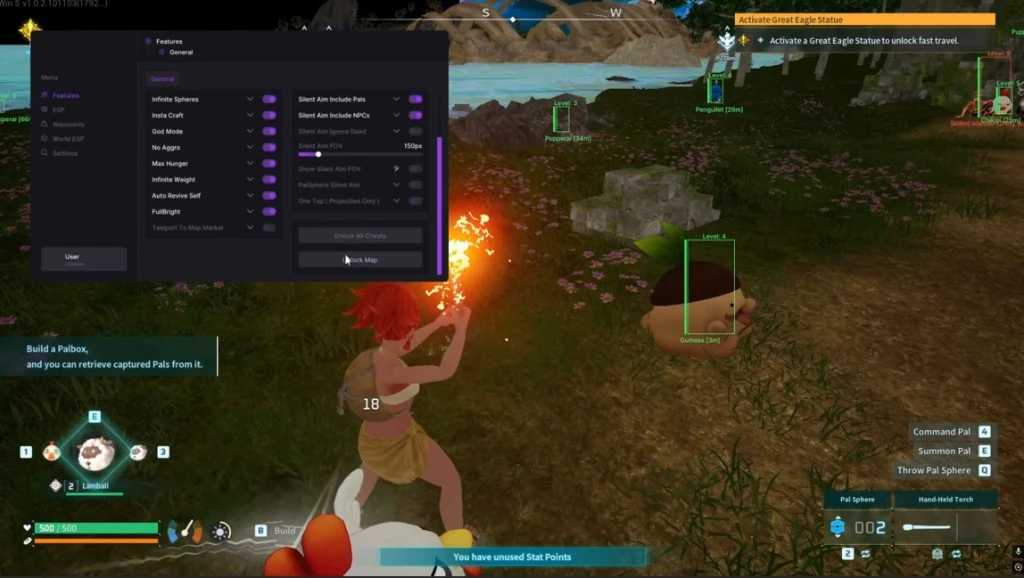
What are the best aimbot settings for Palworld? Mine snaps too hard in dungeon interiors and tower fights.
I want something I can leave on a hold key. Visible check and bone select are in the menu - I just do not know sane numbers.

Aimbot
What are the best aimbot settings for Palworld? Mine snaps too hard in dungeon interiors and tower fights.
I want something I can leave on a hold key. Visible check and bone select are in the menu - I just do not know sane numbers.
Drop FOV, turn on visible check, pick head or neck, add a little smoothness. Dungeon killcams look night-and-day cleaner.
Cap max distance too so it is not snapping across Palpagos. That is what makes clips look obvious.
Small FOV, visible check on so you only lock who can see you, bone select, and light smoothness. Use a keybind toggle, not always-on. Save it under config save/load so you do not retune every session.
Do you run it always-on or hold-to-aim?
Hold-to-aim, always. Always-on is how people get clipped and reported.
Target players for PvP. Pal aimbot is a different toggle - I leave Pals off unless I am capturing.
Small FOV + visible check + neck on a hold key - feels legit now. Thanks.
Pair it with sane smoothness, not maxed. There is a thread on that: no recoil settings.